I Left Arch + Niri for Pop!_OS COSMIC — and I’m Not Going Back (Yet)
After years on Arch with Niri, I switched to Pop!_OS COSMIC for .deb packages. Five days in, I still miss scrolling windows — not packaging.
On this page
For the last four or five years, Arch Linux has been my default desktop OS. More recently, I had settled on Niri with DankMaterialShell (DMS), and I was quite happy with it.
Niri gave me almost everything I wanted from a desktop: automatic tiling, a keyboard-driven workflow, minimal window animations, and, most importantly, scrolling windows. Combined with Arch, the whole system felt minimal and completely under my control.
I wasn’t actually looking for another distribution.
Then I bought Cursor Ultra — and needed GrokBot installed.
The .deb Problem
Cursor Ultra gave me access to GrokBot, and when I went to install it, the straightforward Linux package available to me was for Ubuntu/Debian-based distributions.
Of course, this is Linux. I could probably have made it work on Arch. There are community packages, workarounds, extracted binaries, and plenty of other ways to get software running. After years on Arch, none of that is particularly intimidating.
But this time I had paid for a commercial application, and I simply wanted to install the package intended for a supported distribution and start using it.
Ubuntu was the obvious choice.
There was just one problem: I didn’t particularly want GNOME.
Why Not GNOME?
I already use Ubuntu Server, so Ubuntu itself isn’t unfamiliar to me. apt, Debian packages, repositories, and the general ecosystem are things I work with regularly.
What I didn’t want was to give up the desktop workflow I had built around Niri.
Once you get accustomed to automatic tiling and controlling your desktop primarily from the keyboard, going back to manually positioning and resizing windows feels surprisingly cumbersome.
I didn’t want to trade application compatibility for a desktop experience I enjoyed less.
Then I remembered COSMIC.
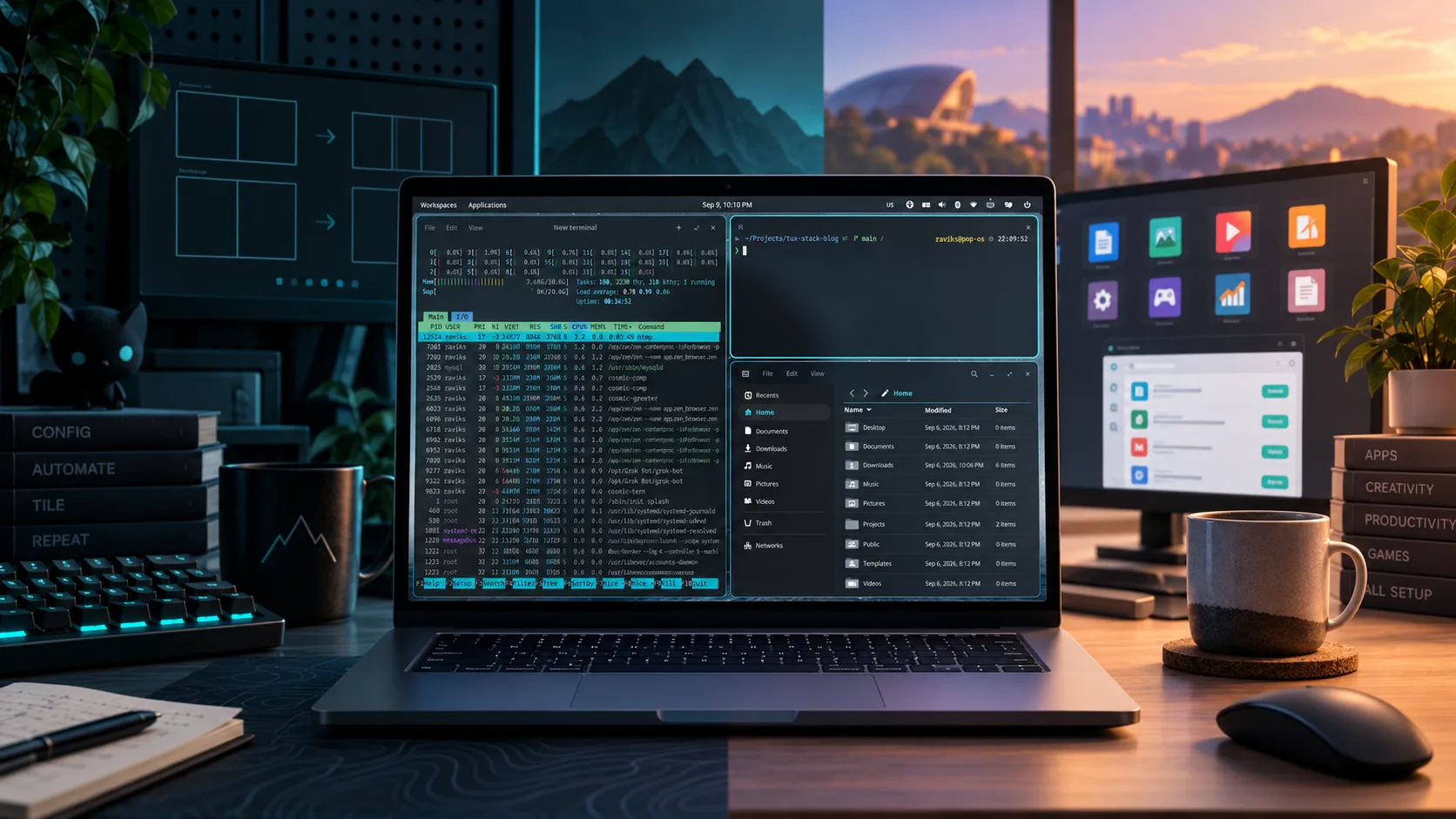
Pop!_OS 24.04 ships with System76’s COSMIC desktop, and automatic tiling is built directly into it. That was enough for me to give it a try.
What Transferred From Niri
I’ve been using Pop!_OS with COSMIC for around five days now. That isn’t long enough for a long-term review, but it is long enough to notice something I didn’t expect:
I don’t really miss most of what I liked about Niri.
Automatic tiling is the biggest reason.
I can launch an application and let the desktop decide where the window goes. I can navigate between windows from the keyboard, move them around, send them to different workspaces, resize them, stack them, or float them when necessary.
A few keyboard shortcuts needed tweaking to match my muscle memory, but that was about it.
The important part is that switching to a full desktop environment did not mean switching back to a mouse-driven workflow. That was the assumption I had going in, and COSMIC proved it wrong.
What I Still Miss
The big one is obvious: scrolling windows.
Niri’s scrolling layout is genuinely different from conventional tiling. Instead of forcing every window to fit within the dimensions of your monitor, your workspace can extend horizontally and you move through it.
I still prefer that model. COSMIC’s tiling is good, but it doesn’t replace scrolling tiling.
I also miss some of the freedom I had with DankMaterialShell. With DMS, it is relatively natural to build small pieces of the shell around your own workflow — for example, a top-bar indicator for Codex or Claude usage.
Something similar may be possible with COSMIC, either now or as its ecosystem matures, but I haven’t explored it enough to say.
And I still prefer Arch as a distribution. There is something appealing about its minimalism: you start with relatively little, install what you need, and generally know why things exist on your system.
Pop!_OS hasn’t changed my opinion of Arch. It has changed how much that advantage matters to me on my work machine.
The Ubuntu Payoff
This is where the tradeoff starts making sense.
Ubuntu is one of the distributions commercial Linux software tends to target first. If a company provides a Linux package, there is a good chance a .deb exists.
With Pop!_OS, I get that ecosystem without giving up automatic tiling or a keyboard-first desktop.
GrokBot was what triggered the switch, but after installing Pop!_OS I also discovered that ChatGPT has a Linux desktop application available for Ubuntu. I’ve been using it for the last couple of days and, somewhat unexpectedly, haven’t opened Codex CLI much since. I particularly like the annotate feature.
That is a small side effect of the switch, but it reinforces the larger point: using a more commonly supported desktop Linux base makes trying commercial Linux applications much less eventful.
Install the package. Launch it. Get back to work.
There is value in boring software installation.
Setup Was Almost Boring Too
I expected to spend considerably more time configuring COSMIC before it felt comfortable. I didn’t.
I changed a handful of keyboard shortcuts and installed the tools I normally use — Ghostty, Oh My Bash, fzf, zoxide, and a few other utilities. But I would do that on almost any Linux installation.
There wasn’t a long list of COSMIC-specific modifications required before the desktop became usable for me. Enable tiling, adjust a few shortcuts, install my usual applications, and start working.
That was basically it.
Is COSMIC Better Than Niri?
I don’t think that’s the right question.
If Niri’s scrolling layout is fundamental to your workflow, COSMIC doesn’t replace it. If you enjoy assembling your desktop from smaller components and customizing every part of your shell, Niri with something like DMS still gives you considerably more freedom. And if the minimalism and rolling-release nature of Arch are important to you, Pop!_OS obviously isn’t going to provide the same experience.
Those are real advantages — not shortcomings that disappeared because I changed distributions.
What surprised me was discovering how few of them were essential to the way I actually work.
What I really needed from my desktop was automatic tiling, good keyboard navigation, workspaces, configurable shortcuts, and a system that stays out of my way. COSMIC gives me those things. Pop!_OS then adds the Ubuntu package ecosystem underneath them.
That’s a very compelling combination.
The Compromise
Linux desktops often make it feel like you need to choose a side.
You can use a conventional desktop environment and get integration, predictable settings, and mainstream application compatibility. Or you can use a tiling window manager or compositor and build an extremely efficient keyboard-driven environment around yourself.
COSMIC sits somewhere in between.
It doesn’t give me everything Niri does, and Pop!_OS doesn’t give me everything I like about Arch. But it gives me most of the workflow I care about while making software compatibility considerably less interesting.
And less interesting is sometimes exactly what you want from your operating system.
If you want complete control and enjoy building your environment, Arch + Niri remains an excellent way to work. If you don’t care about tiling, there are plenty of mature traditional desktop environments.
But if you want to operate your computer primarily from the keyboard, want automatic tiling, and also want the stability and application ecosystem that comes with an Ubuntu base, Pop!_OS with COSMIC is a very good middle ground.
Five days isn’t enough for me to say I’ll never return to Arch. But so far, I haven’t wanted to.
I still miss Niri’s scrolling windows.
I don’t miss spending time thinking about application packaging.
Right now, that’s a trade I’m happy to make.
LogCTL Dispatch
New essays, experiments and workflows. No daily noise.
Usually 2–4 emails a month.
Comments
Loading comments…